The best Grammarly alternative for Mac, for most people, is LanguageTool. It has a real Mac app, costs a fraction of Grammarly, and can run entirely on your own machine if you self-host it. That is the short answer. The longer one is that "alternative" depends on the job in front of you: catching grammar mistakes, editing a long draft, tightening readability, or rewriting with an AI model you control. Here are six honest picks for 2026, with prices and the catch on each.
One disclosure first. WriteText is our own product, and it is number six on this list. We have tried to be straight about where it fits and where one of the others is the better call. If you only need a free grammar checker, we will say so.
What makes a good Grammarly alternative on a Mac
Four things separate a real Mac alternative from a website with a Mac logo on it.
- Native Mac support, not just a browser tab. A tool you can only use inside its own website is not really a Mac app.
- An honest price. Grammarly Premium is not cheap, and most people switching want to pay less, or pay once.
- Where your text goes. Some of these run fully offline. Some send every sentence to a server you do not control.
- The actual job. Grammar checking, deep editing, readability, and AI rewriting are four different tools, even when one brand sells several of them.
Prices below are current as of mid-2026 and tend to move, so confirm on each site before you pay.
LanguageTool: the closest all-round replacement
LanguageTool is the nearest thing to a drop-in Grammarly swap on a Mac. It checks grammar, spelling, and style in more than 30 languages, and its Mac app works inside Mail, Notes, and Word instead of trapping you in a browser. There is a free tier, and Premium runs from about $5 a month billed annually, well under Grammarly. The privacy story is the best on this list: LanguageTool is open source and you can self-host it, so your text never leaves your machine. The catch is that the free tier has been trimmed over the years, and the strongest rules now sit behind Premium.
Best for: most people leaving Grammarly who want grammar and style, cheaper, and private.
ProWritingAid: depth for long-form
ProWritingAid goes deeper than Grammarly on style. It produces long reports on pacing, sentence variety, overused words, and readability, which is gold for a novel and overkill for a Slack message. It runs on a Mac through its desktop app and editor integrations. The pricing is the draw for some: $120 a year, or a $399 one-time license you buy once and keep, the way software used to work. The catch is that the interface is dense, and the free tier stops at 500 words.
Best for: novelists, students, and anyone editing long drafts who wants the reports.
Apple Writing Tools: free, if your Mac can run it
Apple Writing Tools is the alternative already sitting on your Mac, for free, assuming your Mac qualifies. Select text and you get rewrite, proofread, and summarize options built into macOS, with nothing to install and nothing to pay. The catch is a real one: it needs an Apple silicon Mac, M1 or later, macOS Sequoia 15.1 or later, and a supported language. On an Intel Mac, or in a language Apple has not added yet, the menu never shows up. There is a separate post here on why Apple Writing Tools go missing and what to do about it.
Best for: recent Apple silicon Macs, English or another supported language, zero setup.
Hemingway Editor: readability, offline, one payment
Hemingway Editor does one thing and does it well: it makes your writing simpler to read. It flags long sentences, passive voice, and adverbs, and scores readability by grade level. The desktop app is $19.99, paid once, runs fully offline on a Mac, and contains no AI at all, which plenty of people will read as a feature. There is an optional Plus subscription from about $8.33 a month that adds AI polishing. The catch is that it is a workspace you paste into, not something that follows you across your apps.
Best for: tightening prose, writing offline, and paying once.
QuillBot: paraphrasing and summarizing
QuillBot is built around paraphrasing and summarizing rather than grammar checking. If your real need is "say this the same, but differently," it handles that well, with a grammar checker bundled in. There is a free plan capped at 125 words per paraphrase, which is about one annoyed email, and Premium runs around $8.33 a month billed annually. It lives mostly in the browser and as extensions, with a free Mac app and Office integrations. The catch is that the free limits are tight, and it is not trying to be a full writing assistant.
Best for: rephrasing and summarizing, more than catching mistakes.
WriteText: your own AI, private, on any Mac
WriteText, the one we make, takes a different route from everything above. It is not a grammar checker that underlines mistakes. It rewrites the text you select, in place, using an AI model you choose, and shows you a diff before anything changes. You bring your own API key for OpenAI, Anthropic, or Gemini, or you run a local model with Ollama and nothing leaves your Mac at all. It is free to use in early access, and it runs on any Mac since macOS 13, Intel included, because it does not depend on Apple Intelligence.
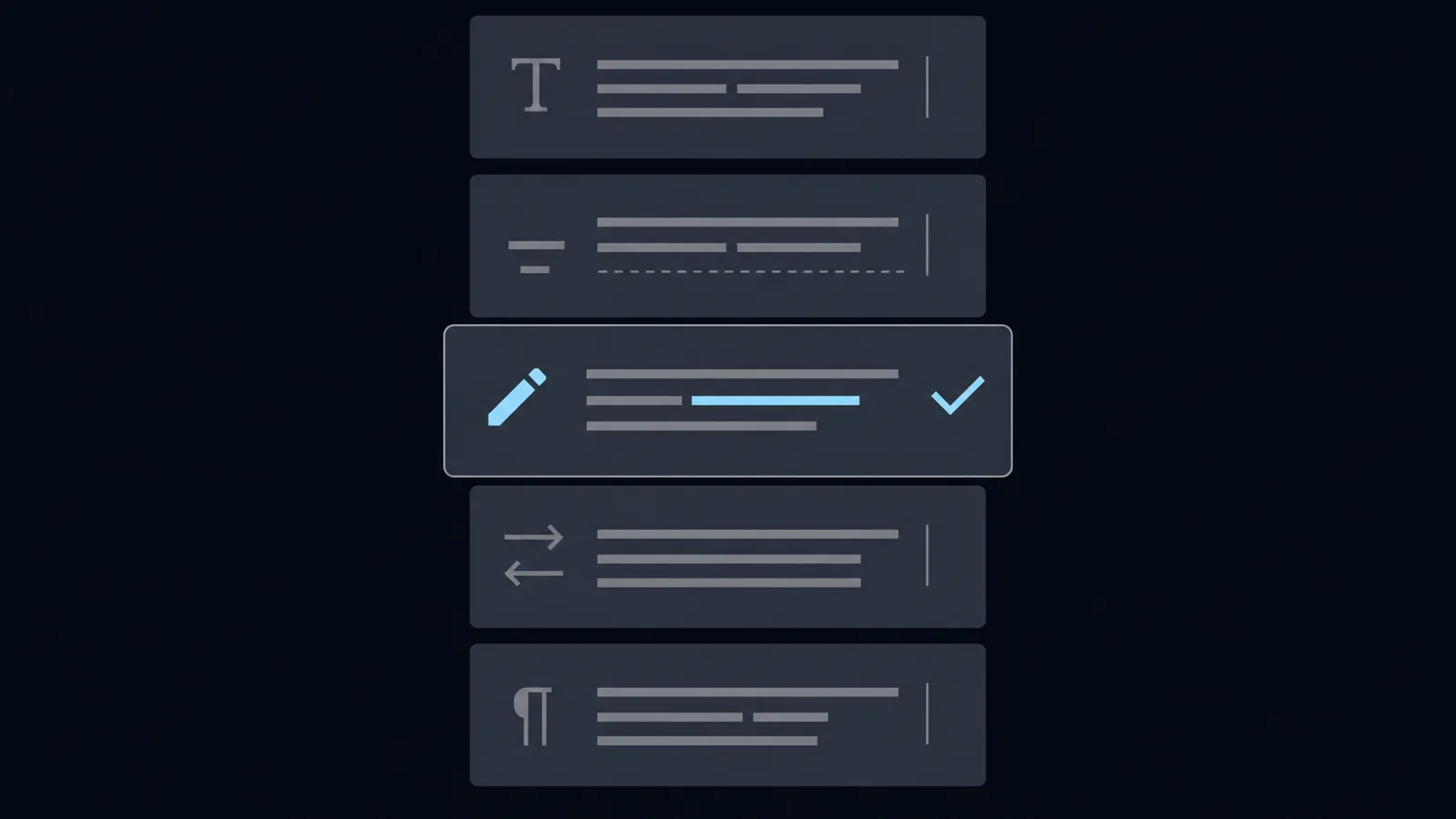
There are five modes, Rewrite, Proofread, Reply, Custom, and Tone, plus a style profile that learns how you actually write. The catch, in fairness: it needs an API key or Ollama, and if all you want is a free, always-on grammar checker, LanguageTool or Apple Writing Tools will serve you better.
Best for: people who want their own model, real privacy, and a diff before accepting a change.
How to choose
If you would rather not reread all six, here is the short version.
- Closest Grammarly replacement, cheaper and private: LanguageTool.
- Editing long-form and you want depth: ProWritingAid.
- Recent Apple silicon Mac, free and built in: Apple Writing Tools.
- Simplify prose, offline, one payment: Hemingway Editor.
- Mostly rephrasing and summarizing: QuillBot.
- Rewrite with your own AI model, privately, with a diff: WriteText, which you can download here.
When to just keep Grammarly
One more honest note, since this is a list of alternatives and not a pile-on. Grammarly is still Grammarly. If you want the most polished all-in-one, you write only in English, and neither the price nor the cloud bothers you, switching may not be worth the afternoon. The reasons to leave are specific: you want to pay less or pay once, you want your text to stay on your machine, you write in a language Grammarly is thin on, or you are on a Mac the newest tools forgot. If none of those is you, keep what works.
The good news for Mac users in 2026 is that the alternatives are real, and several are cheaper, more private, or both. Pick the one that matches the job in front of you. If that job is rewriting in your own voice with a model you control, you know where to find WriteText. If it is not, one of the other five has you covered, and we will not be offended.
Sources and further reading
Frequently asked
For most people, LanguageTool. It has a native Mac app, costs a fraction of Grammarly, and can run on your own machine if you self-host it. The best pick depends on the job: grammar checking, deep editing, readability, or rewriting with your own AI.
Yes. LanguageTool has a free tier, Apple Writing Tools is free if your Mac can run it, and QuillBot and Hemingway have free options. Each free tier has limits on length or features.
LanguageTool when self-hosted, or WriteText with a local Ollama model. Both keep your text on your own machine instead of sending it to a company server.
Yes, Grammarly offers a Mac desktop app and browser extensions. The reason people look for alternatives is usually price, or not wanting their text sent to its cloud.
LanguageTool, ProWritingAid, Hemingway, and WriteText all run on Intel Macs. Apple Writing Tools does not, because it requires an Apple silicon Mac with an M1 chip or later.
For price, privacy, and language coverage, often yes. Grammarly is more polished as an all-in-one and strong on English nuance. The right answer depends on which of those you value most.
WriteText is built by a small team who wanted in-place AI editing that just works. We made it because our own inboxes needed it.