If Apple Writing Tools stopped working, or never showed up at all, the reason is almost always the same. Your Mac cannot run Apple Intelligence, and Writing Tools depend on it. The fixable news: a few settings are worth checking first. The honest news: if your Mac is an Intel model, or you write in a language Apple has not added yet, no toggle brings the feature back. This covers both, then a Mac alternative that runs on any Mac since macOS 13.
Why Apple Writing Tools are not working
Writing Tools is not a standalone feature you can repair on its own. It rides on Apple Intelligence, and Apple Intelligence has hard requirements. Miss one and the menu item quietly does not appear. Apple lists them on its requirements page; here is the short version.
- An Apple silicon Mac, M1 or later. No Intel Mac can run it, which is the single most common reason it is missing.
- macOS Sequoia 15.1 or later. On Ventura or Sonoma there are simply no Writing Tools to find.
- About 7 GB of free storage for the on-device models.
- Device language and Siri language set to the same supported language. English qualifies; Ukrainian, Russian, and Polish, for example, do not.
- Apple Intelligence switched on in Settings, with the model finished downloading.
Quick fixes to try first
If your Mac is Apple silicon on a recent macOS, run through these before assuming the worst.
- Update macOS. System Settings, General, Software Update. Writing Tools need 15.1 at minimum, and point releases fix real bugs.
- Turn Apple Intelligence on. System Settings, Apple Intelligence and Siri, then wait for the model to download. It is a few gigabytes and it is not instant.
- Check your language. Device language and Siri language have to match one supported language. If yours is not on the list, that is your answer.
- Select a longer passage. The "Writing Tools unavailable, try a longer selection" message means exactly that. One word gives the model nothing to work with.
- Restart. The dad fix, and it still clears a surprising number of cases where the model loaded wrong.
When there is no setting to flip
Some Macs will never show Writing Tools, and no amount of toggling changes that. There are three honest cases.
First, Intel Macs. If you bought your Mac before late 2020, it is probably Intel, and Apple Intelligence does not run on Intel at all. A 2019 MacBook Pro is a fast machine that will never see a single Writing Tool.
Second, unsupported languages. Apple covers English, French, German, Spanish, and a handful more. If you write in Ukrainian, Russian, Polish, Hindi, or one of the many languages not yet on the list, Writing Tools stay dark even on a brand new M4.
Third, you simply do not want it. Maybe it works and you would still rather not hand your sentences to one fixed model, with no diff and no say in which model runs. In all three cases the fix is not a setting. It is a different tool.
A Mac alternative that always runs: WriteText
WriteText is a menu bar app that rewrites text in place, the same gesture as Apple Writing Tools, with one difference that matters here. It runs on any Mac since macOS 13 Ventura, Intel included, because it does not use Apple Intelligence at all.
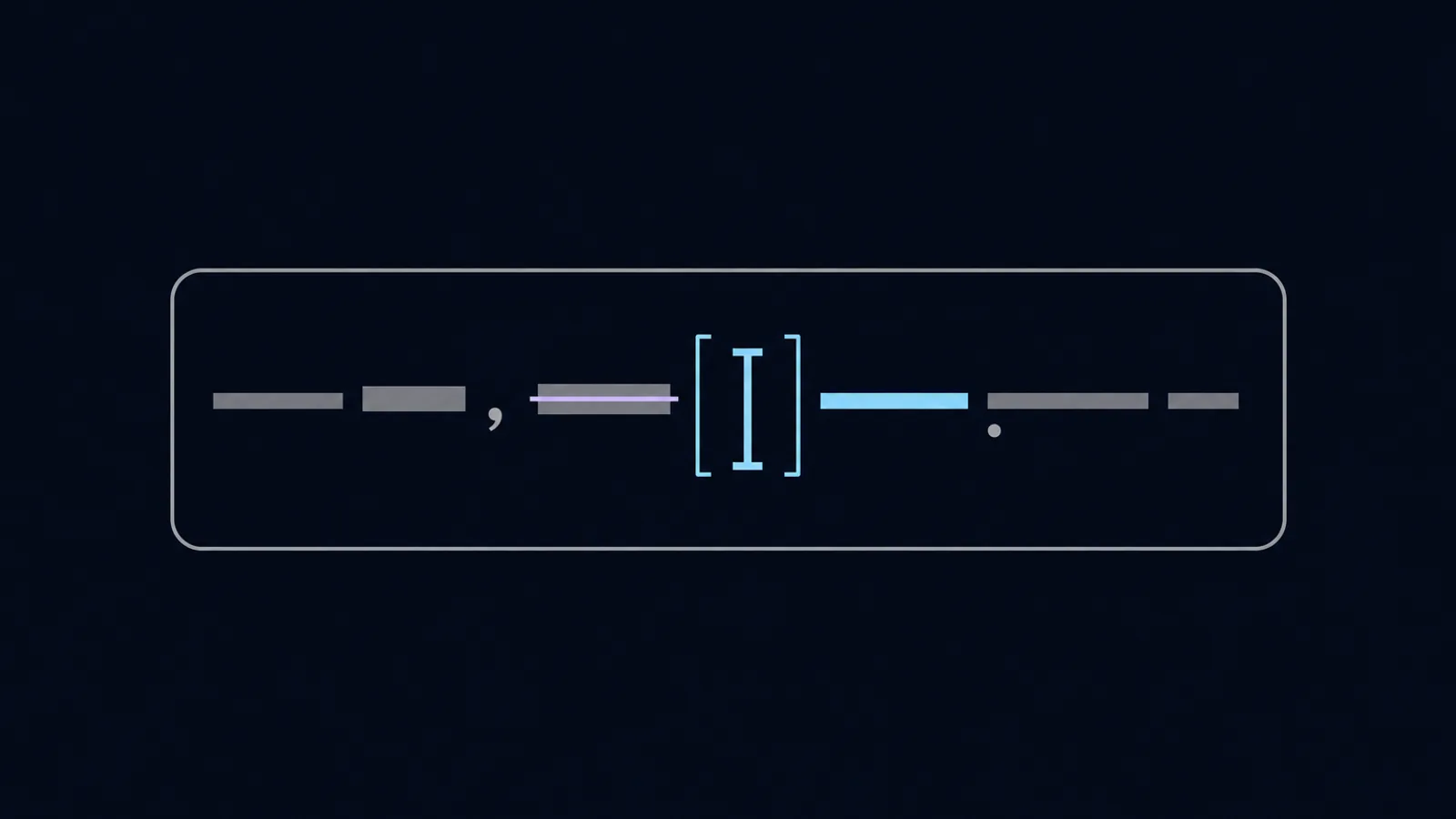
Select a sentence in Mail, Slack, Notes, or a browser field. Press ⌥⌘E and pick a mode: Rewrite, Proofread, Reply, Custom, or Tone. The result streams in with an inline diff, so you see what changed before it touches your draft. Accept, and the text drops back where you were typing. No copy-paste, no separate window.
You bring your own model. OpenAI, Anthropic, Gemini, or a local Ollama model that never leaves your Mac. Keys live in the macOS Keychain, and no server of ours sits in the middle.
It is not magic, and we will not pretend it is. WriteText needs an API key, or Ollama running locally. Pick a cloud provider and you pay that provider for what you use, which for short rewrites is rounding-error territory. That is the trade for working on hardware Apple left out, with a model you chose.
WriteText vs Apple Writing Tools
Apple Writing Tools are free, built in, and genuinely good when your Mac can run them. If that is you and proofreading is all you need, use them. We mean it. The differences only matter when Apple leaves you out, or when you want more control.
- Runs on: Apple needs M1 or later and macOS 15.1. WriteText runs on any Mac since macOS 13, Intel or Apple silicon.
- Model: Apple picks it for you. WriteText lets you choose, including a local one.
- Privacy: both keep your text close. With Ollama, WriteText sends nothing off the machine at all.
- Review: Apple rewrites in place. WriteText shows a diff and a short reason for each change before you accept.
- Price: Apple Writing Tools are free. WriteText is free to use in early access, and you cover your own model usage.
When to skip WriteText
The honest part. WriteText is not for everyone, and a few people should close this tab now.
- Your Apple Writing Tools work and free proofreading is enough. Keep them. WriteText earns its place when you want your own model, a diff, and a style profile.
- You do not want to manage an API key and will not run Ollama. WriteText ships with no bundled model, so it needs one or the other.
- You write long-form. WriteText is built for emails, messages, and DMs, not 5,000-word drafts.
Apple Writing Tools not showing up is usually a hardware verdict, not a bug. If a macOS update brings them back, good, you lost nothing. If it does not, you do not need a new Mac to fix a sentence. You can download WriteText and keep the one you have. More on how it works in the early access post.
Sources and further reading
Frequently asked
Almost always because your Mac cannot run Apple Intelligence. Writing Tools need an Apple silicon Mac (M1 or later) on macOS Sequoia 15.1 or later, with Apple Intelligence turned on and your language supported. Miss any one of those and the feature never appears.
Your selection is too short for the model to act on. Select a full sentence or a longer passage and try again. If it still fails, the cause is usually a missing requirement rather than the selection.
No. Apple Intelligence, and therefore Writing Tools, requires an Apple silicon Mac with an M1 chip or later. No Intel Mac is supported, on any macOS version.
No. They arrived in macOS Sequoia 15.1. On Ventura (macOS 13) or Sonoma (macOS 14) there are no Writing Tools to find, even on an Apple silicon Mac.
WriteText is a Mac alternative that runs on any Mac since macOS 13, Intel or Apple silicon. It rewrites text in place with your own model (OpenAI, Anthropic, Gemini, or a local Ollama model) and shows a diff before it changes anything.
No. WriteText does not use Apple Intelligence at all, which is why it works on Macs that cannot run Writing Tools. It needs macOS 13 or later and either an API key or a local Ollama model.
WriteText is built by a small team who wanted in-place AI editing that just works. We made it because our own inboxes needed it.