If you have read much AI text, you have seen it. The em dash shows up everywhere, in emails, in blog posts, in Slack messages that were clearly helped along by ChatGPT. It has become the single most reliable sign that a model wrote something. Here is why AI writing leans on the em dash so hard, why it matters more in a quick message than in a novel, and how to remove em dashes from your text so it reads like you.
Why ChatGPT and Claude use so many em dashes
There is no official answer, but the pattern is consistent across models, and three things explain most of it.
- Training data. The em dash is common in polished, edited prose: books, journalism, long essays. Models trained on that writing pick up the habit, then lean on it harder than the source ever did.
- It is the versatile mark. An em dash can stand in for a comma, a colon, a semicolon, or a pair of parentheses. For a model reaching for smooth connection, it is the one piece of punctuation that fits almost anywhere.
- People underuse it. When you type a quick email or a DM, you reach for commas and periods, not em dashes. So when they turn up densely in casual text, the writing reads as edited by a machine rather than typed by a person.
Put those together and the em dash becomes a social signal. Fair or not, readers increasingly see a message full of them and think a bot wrote this.
Why it matters in a message and not a novel
The em dash is not wrong. It is legitimate punctuation with a long history, and style guides from Chicago to APA cover exactly how to use it. The problem is density and context, not the mark.
- In a published essay, a few em dashes are craft.
- In a Slack message or a cold email, a run of them reads as AI-generated, and that can quietly undercut trust in the message, the work, and you.
If you are sending client email, applying for a job, or writing anything where sounding like yourself matters, the em dash stamp works against you. That alone is reason enough to take them out.
How to remove em dashes from your text
By hand
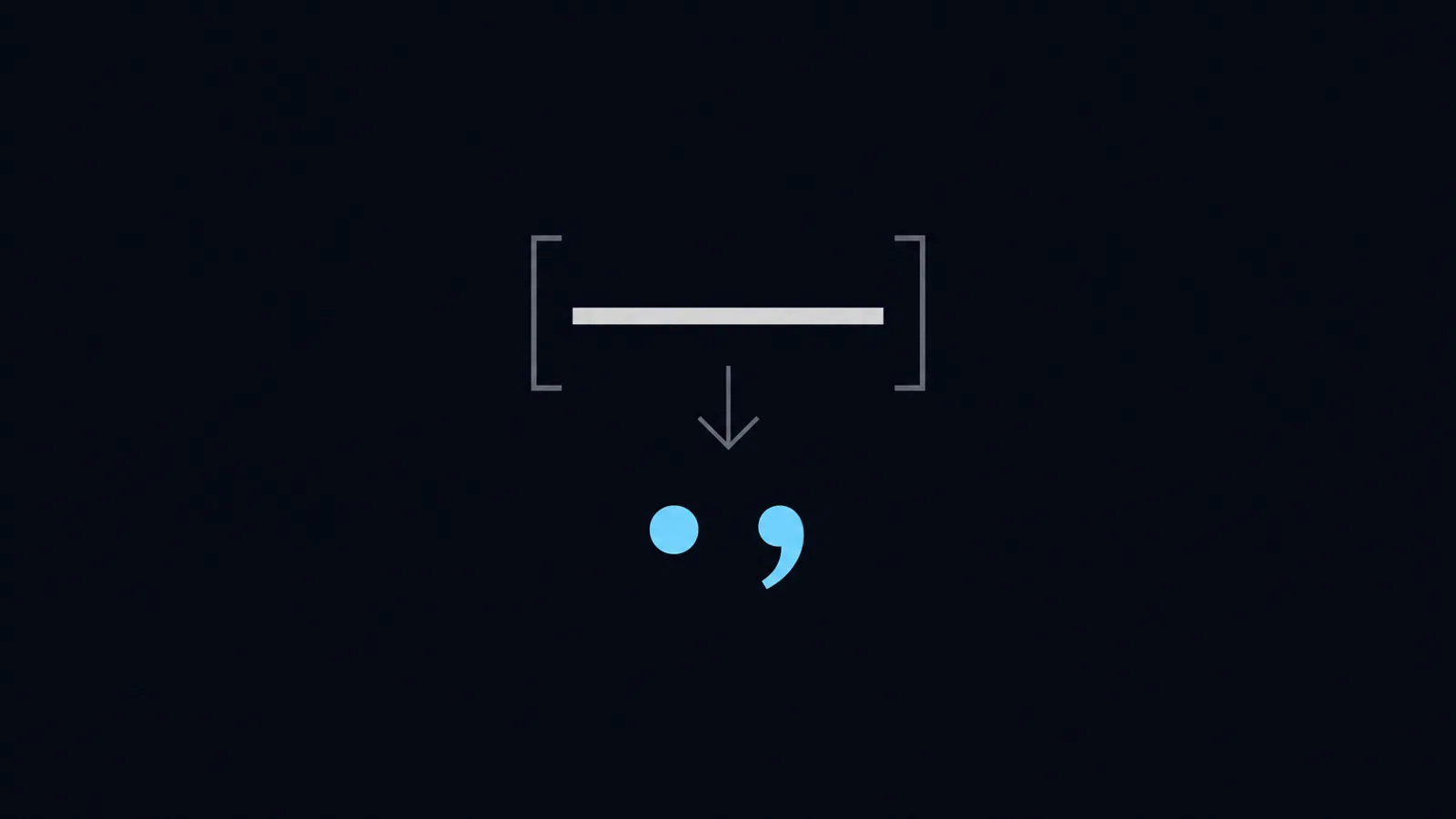
Go through the draft and replace each em dash with the mark that actually fits.
- A period, when the two halves are really two sentences. Often sharper.
- A comma, when the clause is a quick aside.
- A colon, when what follows explains or introduces what came before.
- Nothing, by rewriting the sentence so it never needs the pause.
A quick before and after, without printing the offending mark. A model might fuse three clauses into one long sentence held together by two dashes. Type it the way you would instead, as three short sentences that each do one job. The build is small. It is signed and notarized. Download it and you are done. Same meaning, no tell.
Automatically
If you would rather not hunt through every message, a rewriter built to avoid the tell helps. WriteText is our own Mac menu-bar app that rewrites selected text in place using your own AI key, and it bans em dashes in its output by design. Rewrites come back using commas, periods, and colons, so the text reads like a person wrote it. You see a diff before anything changes, so you can check the swap yourself.
The honest note: WriteText is free in early access, which means free for now, and it is a private project, not open source. No tool makes AI text perfectly undetectable, and that is not the goal. The goal is writing that reads like you.
How to type an em dash on a Mac, if you want one
Removing them is the usual job, but the reverse is worth knowing. On a Mac, hold Option and Shift and press the hyphen key to type a real em dash. Option and hyphen on its own gives the shorter en dash, the one used for ranges like 9 to 5. Knowing the difference also helps you spot when a model has reached for the wrong one.
When to leave the em dash alone
This is not a campaign against a punctuation mark. If you are writing long form, an essay or an article, use the em dash the way good writers always have. If you are writing a private first draft, do not stop to fix punctuation nobody will see. The em dash only earns removal when the text represents you to someone else, and you would rather not be mistaken for a model. That is the whole case, and it is narrow on purpose.
The em dash is just the loudest tell. AI writing has others: hedged openings, the rule of three, vocabulary like delve and leverage. If you want the full list and how to strip each one, read the signs of AI writing. If you landed here shopping for a writing tool, the Grammarly alternatives for Mac roundup covers where WriteText fits. And if you would rather the rewrite handled it, WriteText is built to.
Sources and further reading
Frequently asked
Because its training data, mostly polished and edited prose, is full of them, and the em dash is the one mark that can stand in for a comma, colon, semicolon, or parentheses. The model picks up the habit and leans on it harder than people do when typing quickly.
No. The em dash is normal punctuation and plenty of human writers use it well. The tell is density and context: a run of em dashes in a casual email or message is what reads as AI, not a single well-placed one in an essay.
Replace each one with the mark that fits: a period for two separate thoughts, a comma for a quick aside, a colon before an explanation, or rewrite the sentence so it does not need the pause. Doing it by hand is reliable. A rewriter that bans em dashes does it for you.
Hold Option and Shift and press the hyphen key. Option and hyphen on its own gives the shorter en dash, which is for ranges rather than breaks in a sentence.
No. WriteText bans em dashes in its rewrites by design, and uses commas, periods, and colons instead. It rewrites your selected text with your own AI model and shows a diff before anything changes.
WriteText is built by a small team who wanted in-place AI editing that just works. We made it because our own inboxes needed it.