WriteText is a menu bar app for macOS that rewrites your text right where you typed it. Early access opened today. You can request a build on the homepage, at the bottom.
What it does
Select a sentence in Mail, Notes, Slack, Notion, or a browser field. A small pill appears next to the selection with five modes: Rewrite, Proofread, Reply, Custom, and Tone.
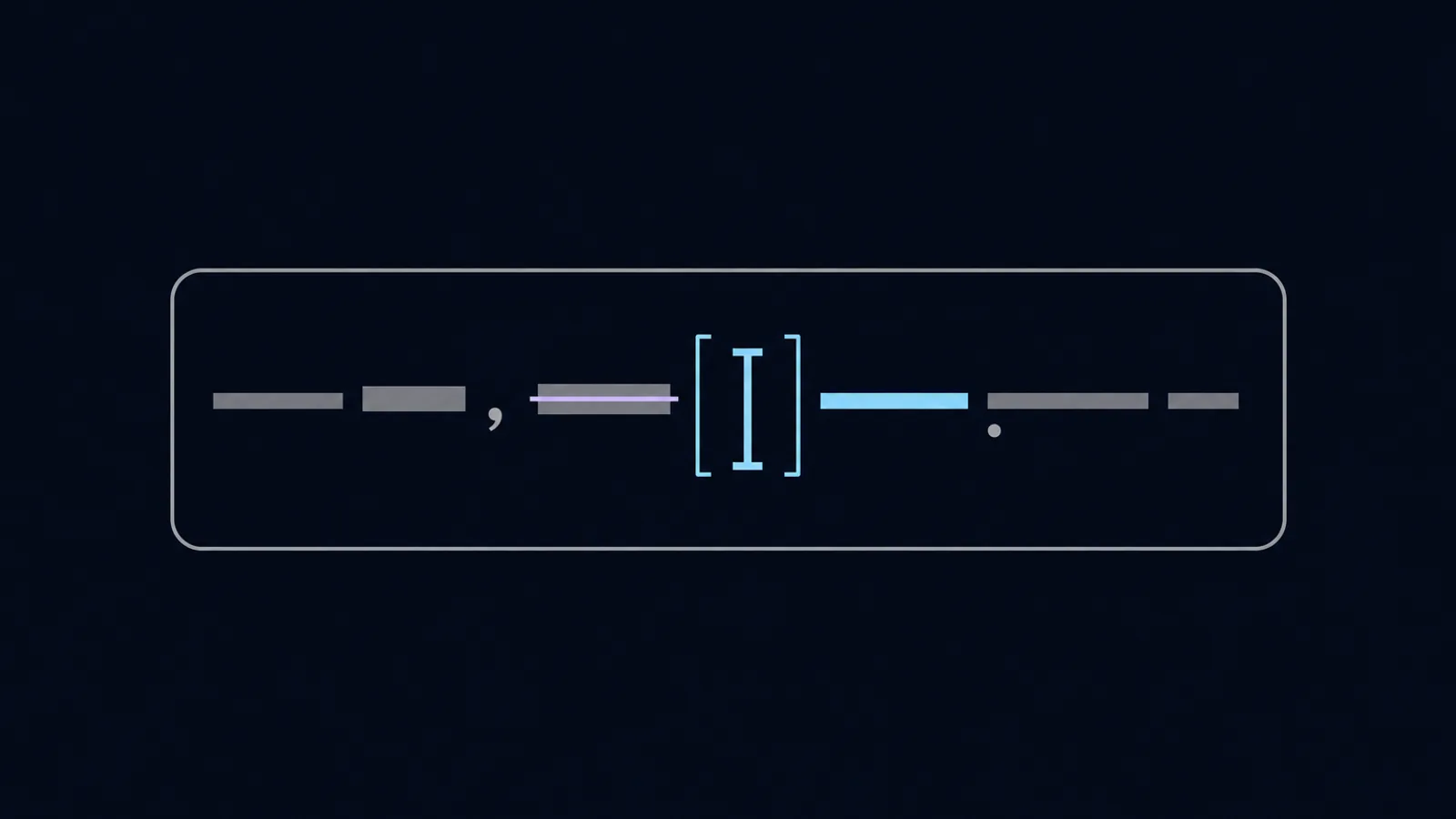
Pick one and the result streams in. Every rewrite comes with an inline diff, so you see what was cut and what was added before anything touches your draft. Short why-bullets explain each change. Accept, and the text drops back into the app you came from. No copy-paste.
There is also a style profile. Paste a few of your own messages, thumb up the rewrites you like, and WriteText starts matching how you actually write.
The whole thing is keyboard-first. ⌥⌘E opens the popover from anywhere. ⌘1 to ⌘5 switch modes. ⌘⏎ runs the current one.
What it is not
- It is not a wrapper around one model. You bring your own API key for OpenAI, Anthropic, or Gemini, or run a local model with Ollama. Keys live in the macOS Keychain.
- It is not a data funnel. No analytics, no telemetry, no middleman server. Your text goes to the provider you picked and nowhere else.
- It is not Electron. WriteText is native SwiftUI and AppKit, ~8,900 lines of Swift. Your RAM can keep its weekend plans.
One honest note. If you have a recent Mac with Apple Intelligence and basic proofreading is all you need, the built-in Writing Tools already do that for free. WriteText is for people who want their own model, a style profile, and a diff before accepting.
How to get a build
Download it from the download section on the home page. The build is signed and notarized, for macOS 13 or later on Apple silicon and Intel. If you want a note when new builds ship, the form on the same page does that.
In-place rewriting runs on the macOS Accessibility API, which is also why WriteText is not on the Mac App Store. The sandbox forbids that API, so the app is distributed directly.
Sources and further reading
Frequently asked
Download it from the homepage. The 0.2.1 build is signed, notarized, and 3.2 MB, for macOS 13 or later on Apple silicon and Intel.
macOS 13 and newer. It is a native SwiftUI and AppKit app, so there is no Electron runtime to install.
Only to the AI provider you configure, using your own key. With a local Ollama model it never leaves the machine at all.
WriteText is built by a small team who wanted in-place AI editing that just works. We made it because our own inboxes needed it.